

An online voting poll application that lets you display a single question and a number of answers on your site, along with the resulting statistics.
To add this application to your site
Go to the Left Menu and click Add-Ons > Learn More

Click on Activate
Once you've done this, the application will appear in the My Add-Ons menu.
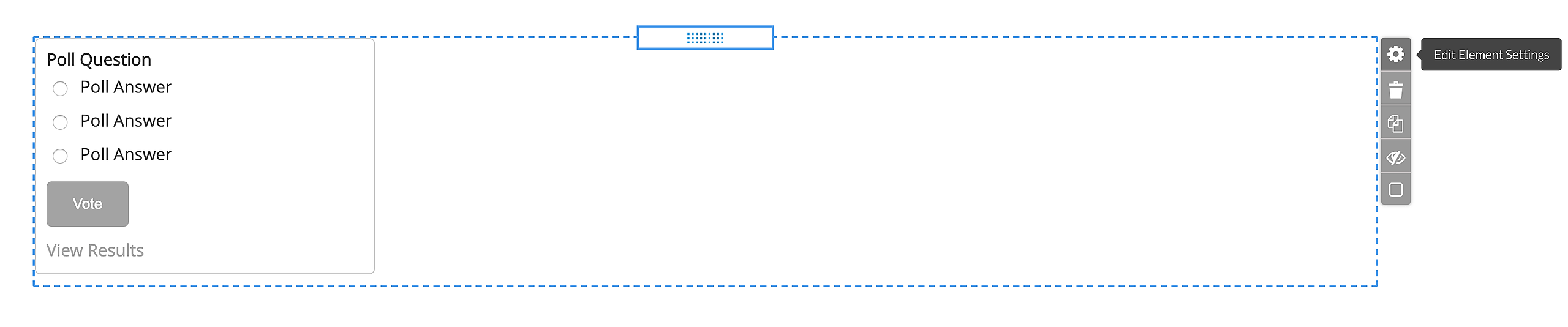
The Voting Poll element is added to a page in the same manner as any other content element by Drag & Drop over an available area on the page.

To edit the element rollover the element and click on cogwheel icon.
Adjust the following information in the Voting Poll Properties window:
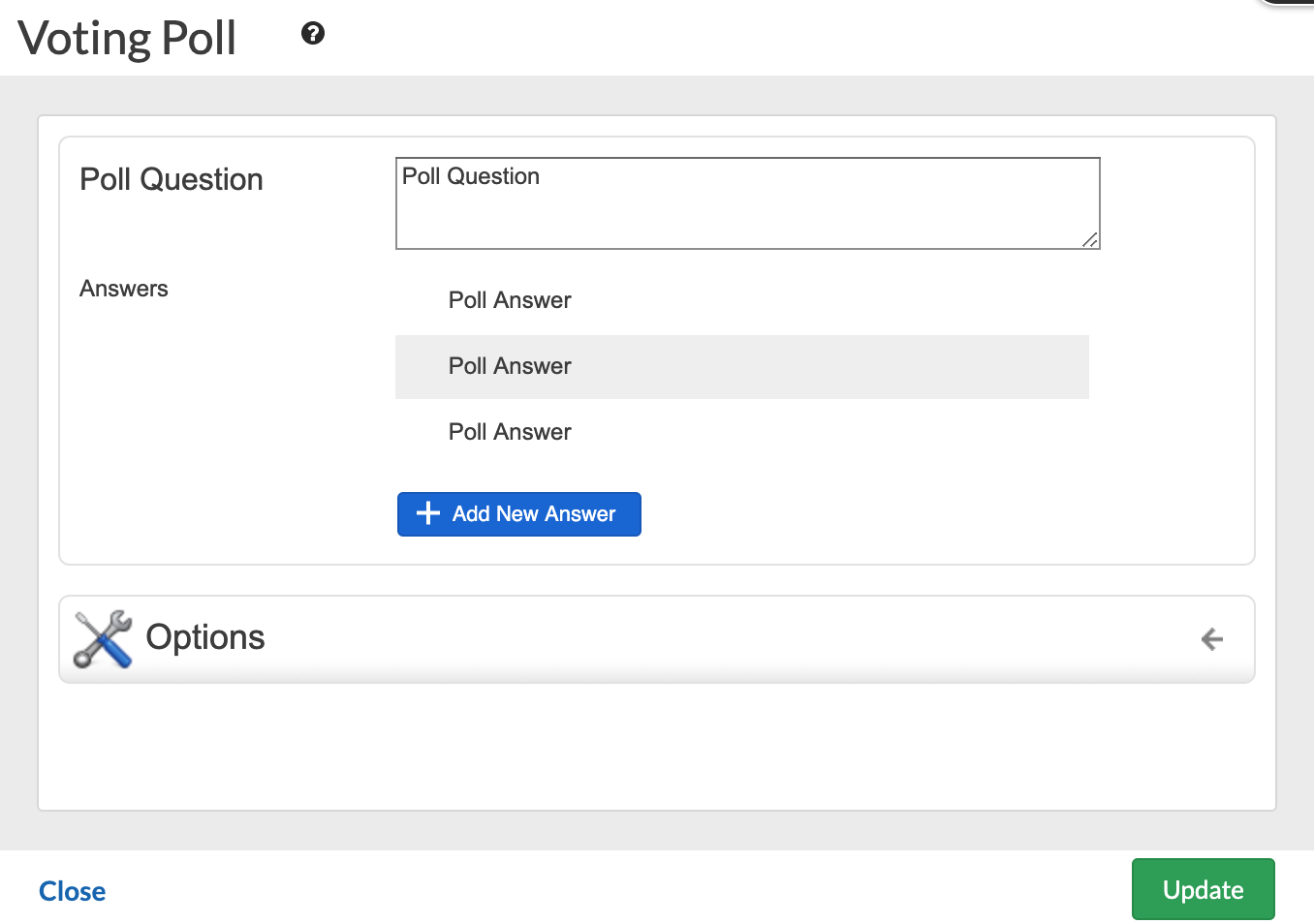
1. Poll Question: What are you asking your site visitors?
2. Answers: The possible Answers to the Question
3. Results Format:
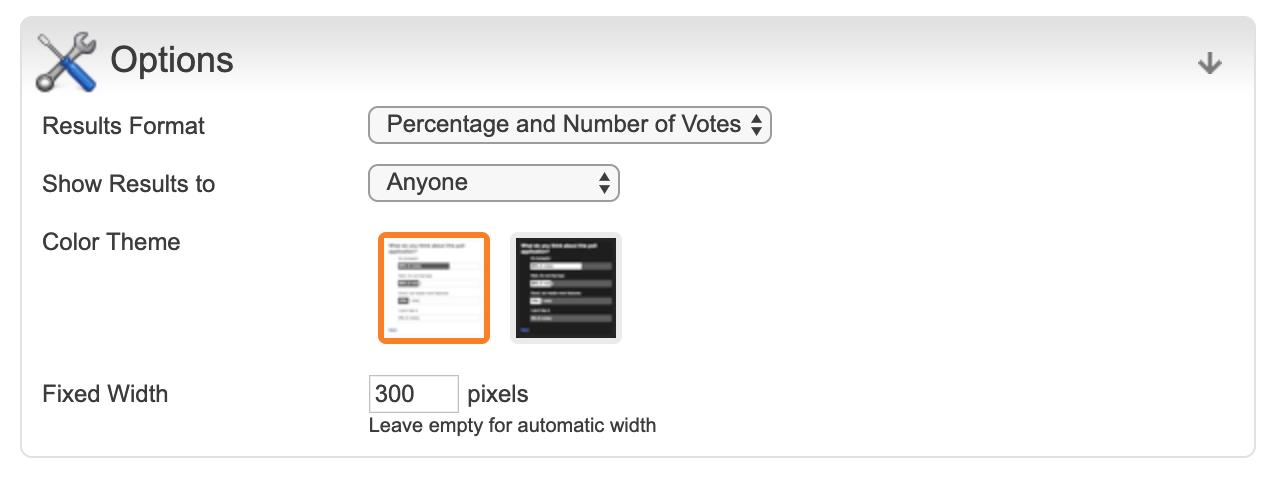
Percentage and Number of Votes
Percentage
Number of Votes
4. Show Results To:
Visitors Who Voted
Anyone
Site Administrator
5. Color Theme: Black or White
6. Fixed Width: Set a specified width in pixels